Feb
3
- by Dhruv Ainsley
- 0 Comments
SCORM Compatibility Checker
Check Your Training Compatibility
Find out if your learning management system supports SCORM and if your course content will work properly.
Ever wondered why some online courses work smoothly in your company’s training portal, while others break or won’t load at all? It’s not bad coding-it’s usually a mismatch between the course and the system it’s stuck in. That’s where LMS and SCORM come in. They’re often confused, but they’re not the same thing. One is a platform. The other is a rulebook. Understanding the difference saves time, money, and frustration.
What Is an LMS?
An LMS, or Learning Management System, is the software platform where courses are hosted, tracked, and managed. Think of it like a digital classroom. It’s where students log in, watch videos, take quizzes, and get certificates. Instructors use it to assign lessons, check progress, and send reminders.
Popular LMS platforms include Moodle, Canvas, Blackboard, and Thinkific. Companies use them for employee training. Schools use them to deliver remote lessons. Even small businesses use them to onboard new hires. The LMS is the house. Everything else-courses, tests, progress reports-lives inside it.
Modern LMS platforms do more than just store content. They track completion rates, send automated emails when someone falls behind, integrate with HR systems, and even recommend courses based on job role. Some can handle live Zoom sessions, discussion forums, and gamified badges. The LMS is the engine behind most online learning you’ve ever used.
What Is SCORM?
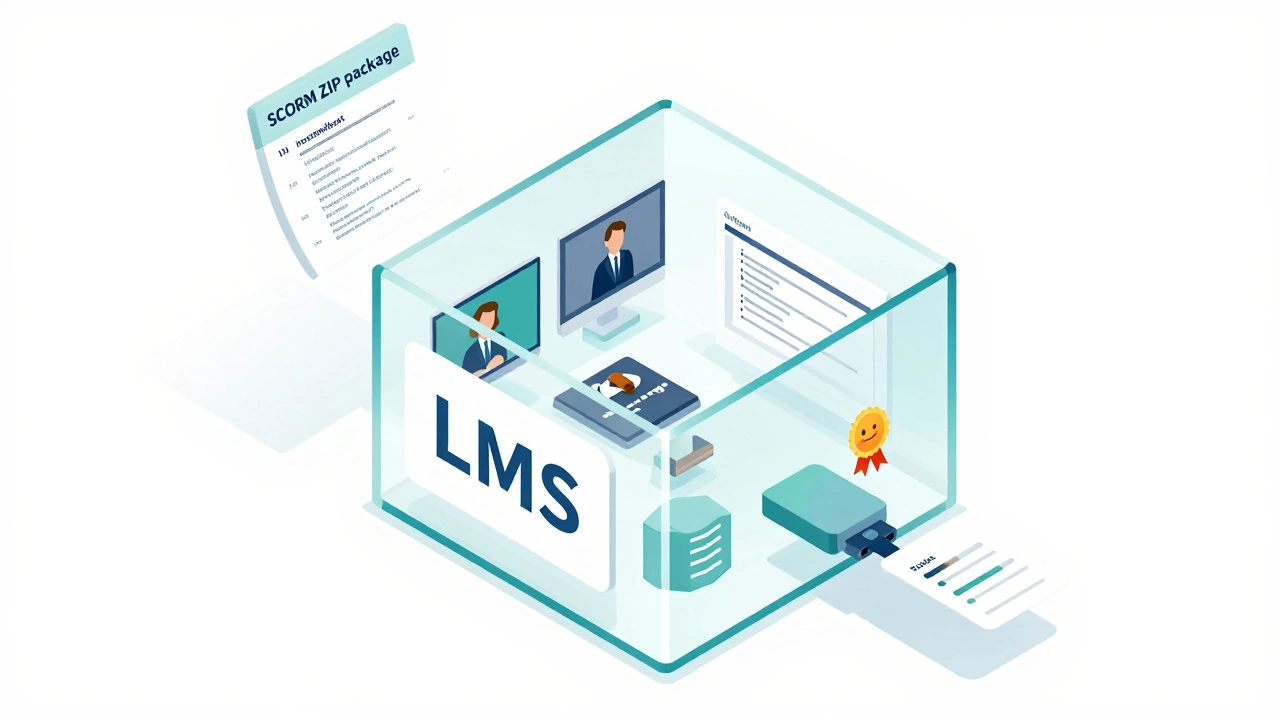
SCORM stands for Shareable Content Object Reference Model. It’s not a tool. It’s not a platform. It’s a set of technical rules. Think of it like a universal plug. If your course follows SCORM, it can plug into any LMS that supports SCORM-and it’ll work.
Before SCORM, every course had to be custom-built for each LMS. A course made for one system wouldn’t run on another. That meant companies had to rebuild training every time they switched platforms. SCORM changed that. It standardized how courses communicate with LMSs. It tells the LMS: "Here’s my content. Track this quiz score. Tell me when the learner finished."
SCORM 1.2 was the first widely adopted version. SCORM 2004 added more features like sequencing-letting you control the order of lessons based on performance. But even today, most e-learning content still runs on SCORM 1.2 because it’s simple and reliable.
SCORM files usually come as ZIP packages. Inside, you’ll find HTML, JavaScript, images, and an XML manifest file called imsmanifest.xml. That file is the instruction manual for the LMS. Without it, the LMS doesn’t know what to do with the course.
LMS vs SCORM: The Core Difference
Here’s the simplest way to tell them apart:
- LMS is the place where learning happens.
- SCORM is the language the course uses to talk to the LMS.
You can’t have SCORM without an LMS. But you can have an LMS without SCORM. Many modern LMS platforms now support newer standards like xAPI (Experience API) and cmi5, which offer more detailed tracking-like whether someone practiced a skill in a simulation or watched a video on their phone.
Still, if you buy a pre-made course from a vendor like Udemy for Business or LinkedIn Learning, it’s almost certainly packaged as SCORM. That’s because SCORM is the default. It’s the lowest common denominator. If your company’s LMS doesn’t support SCORM, you’ll need to ask your vendor for a different format-or upgrade your system.
Why Does This Matter for You?
If you’re buying or building online training, this isn’t just tech jargon. It’s a budget issue.
Let’s say you’re a small business owner. You find a great 30-minute compliance course online. It’s cheap. You download it. You try to upload it to your LMS-and it doesn’t work. Why? Because your LMS doesn’t support SCORM. Now you’re stuck. You either pay to upgrade your LMS, or you pay someone to rebuild the course from scratch.
On the flip side, if you’re building courses in-house, you need to know what format your LMS accepts. If you use Articulate Storyline or Adobe Captivate, you can export directly as SCORM. But if you’re using a newer tool like Elucidat or TalentLMS’s built-in editor, you might be using xAPI instead. Mixing formats leads to broken courses and confused learners.
Even if you’re not technical, ask your vendor: "Is this course SCORM-compliant?" If they don’t know, walk away. You’ll regret it later.
What Comes After SCORM?
SCORM is 20 years old. It was revolutionary in 2004. But today, it has limits.
SCORM only tracks whether someone clicked through a slide or passed a quiz. It doesn’t know if they actually learned anything. Did they apply the skill? Did they make a mistake on the job? Did they watch the video on their tablet during their commute?
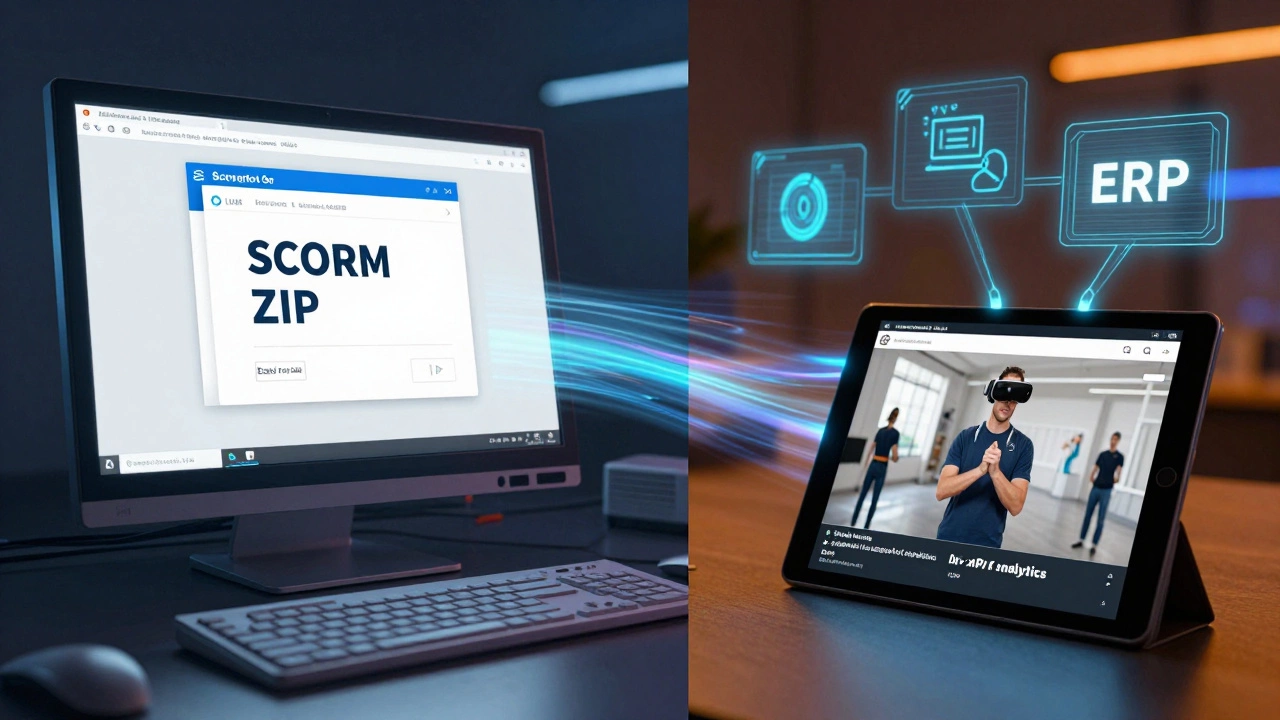
That’s where xAPI (also called Tin Can API) comes in. It’s the next generation. Instead of just reporting "completed," xAPI can say: "Learner watched 7 minutes of safety video on mobile device at 8:15 PM, then successfully performed task in warehouse simulation at 9:02 PM."
xAPI works with any LMS that supports it. It’s more flexible. It can track learning from YouTube videos, PDFs, real-world tasks, and even VR training. But it’s not as widely supported as SCORM yet. Most legacy systems still rely on SCORM because it’s simple and predictable.
For now, SCORM is still the safe choice. But if you’re planning for the future-especially if you want to track real-world performance-xAPI is where the industry is heading.
How to Choose What You Need
Here’s a quick decision guide:
- Use SCORM if: You’re buying ready-made courses, your LMS is old or basic, you need plug-and-play compatibility, or you’re on a tight budget.
- Use xAPI if: You’re building custom training, you want detailed analytics, you’re tracking real-world behavior, or you’re planning to integrate with other systems like ERP or CRM.
- Use neither if: You’re using a modern LMS that builds courses natively (like Thinkific or Kajabi). These platforms handle tracking without needing SCORM or xAPI files.
Don’t force SCORM if you don’t need it. Many new LMS platforms now let you upload videos, PDFs, and quizzes directly. They track progress automatically. No ZIP files. No manifest.xml. Just drag and drop.
Common Mistakes to Avoid
Here are three things people get wrong:
- Thinking SCORM is a course player. It’s not. SCORM doesn’t play videos. The LMS does. SCORM just tells the LMS what to track.
- Assuming all LMSs support SCORM. Some cloud-based tools, especially those built for marketing or coaching, don’t support SCORM at all. Always check before you buy.
- Uploading non-SCORM files as SCORM. Just renaming a PDF to .zip and calling it SCORM won’t work. The file must contain the correct structure and imsmanifest.xml. Otherwise, the LMS will reject it.
If your course uploads but shows zero progress, that’s usually the sign of a bad SCORM package. Try opening the ZIP file. If you don’t see a file named imsmanifest.xml, it’s not SCORM.
Final Takeaway
LMS and SCORM work together-but they’re not interchangeable. One is the stage. The other is the script. You need both to make learning happen smoothly.
For most people, the rule is simple: SCORM is the file format your course must use to talk to your LMS. If you’re buying training, make sure it’s SCORM-compliant. If you’re building it, use a tool that exports SCORM. If you’re choosing an LMS, confirm it supports SCORM unless you’re ready to go beyond it.
Technology changes fast. But for now, SCORM is still the glue holding most corporate and educational e-learning together. Know what it is. Know what it does. And don’t let someone sell you a course that doesn’t work with your system.

Dhruv Ainsley
I am an education specialist with a focus on international educational systems, particularly in India. I enjoy exploring how educational practices can be improved to foster better learning environments. Writing about such topics allows me to share insights and encourage meaningful discussions. My work seeks to inspire educational reforms that prioritize inclusive and quality learning experiences.